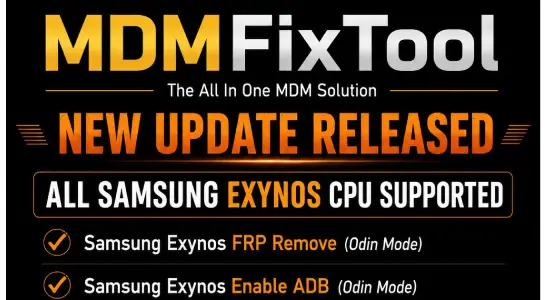
MDM Fix Tool V1.1.0.2 FRP & MDM Unlock Solution
Introduction:
MDM Fix Tool V1.1.0.2 is an updated mobile servicing utility designed to help technicians handle device management restrictions repair issues and system-level locks on supported Android devices. This version improves stability adds better device compatibility and enhances overall performance for a smoother workflow.
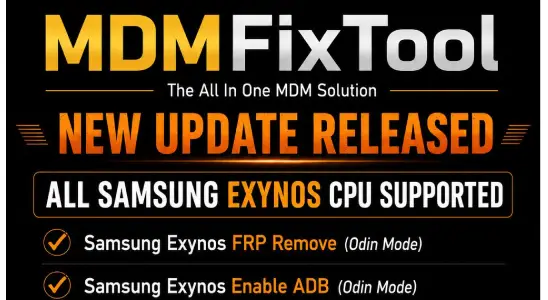
Features Of MDM Fix Tool:
- MDM Bypass Support for removing device management restrictions
- One-Click Operation for quick and easy use
- Wide Device Compatibility with multiple Android brands
- Fast Processing Speed for quick results
- User-Friendly Interface suitable for beginners and technicians
- No Login Required for instant access
- Safe & Secure Process with minimal risk
- Lightweight Tool that runs smoothly on most PCs
- Regular Updates with improved performance and fixes
- Supports Multiple Chipsets including MTK Qualcomm and SPD
What’s New In MDM Fix Tool:
- Improved MDM bypass method for higher success rate
- Added support for more Android devices and latest security patches
- Enhanced tool stability and performance
- Fixed minor bugs and previous version errors
- Faster processing speed for MDM removal
- Updated user interface for smoother navigation
- Better compatibility with new Windows versions
- Optimized connection process for fewer detection issues
How To Use?
- Download and open the tool on PC
- Connect your phone via USB
- Enable USB Debugging (if possible)
- Select MDM Fix option
- Click Start and wait
- Reboot the device after completion
Download Link: MDM Fix Tool V1.1.0.2 Latest Version
Conclusion:
MDM Fix Tool V1.1.0.2 offers a more stable and improved experience for handling device management restrictions and related repair tasks. With better compatibility and performance updates, it helps technicians complete servicing jobs more efficiently. Keeping the tool updated ensures smoother operation and support for a wider range of devices.
Others Tools List:
Unlock Tool 2023.11.12.0 – Latest Update
FL 1.2 Windows Tools (ADB Fast boot)